Formitor alerts fire on state changes only: a form breaks, you get one message; it recovers, you get one message. Nothing in between, no hourly nagging. This tutorial wires them into wherever your team actually looks.
Watch the setup:
Destination types
Under Alerts → Add a destination, five types: Slack, Discord, Microsoft Teams, SMS via your Twilio account, and Webhook, the generic type that feeds Zapier, n8n, Make, or anything of your own.
Adding a webhook destination
Pick the type, label it, paste the URL. Scope it to all sites or one site, choose which events fire it (failure, recovery, or both), and optionally set a signing secret. With a secret set, Formitor sends an X-Formitor-Signature header so your receiver can verify the payload really came from Formitor.
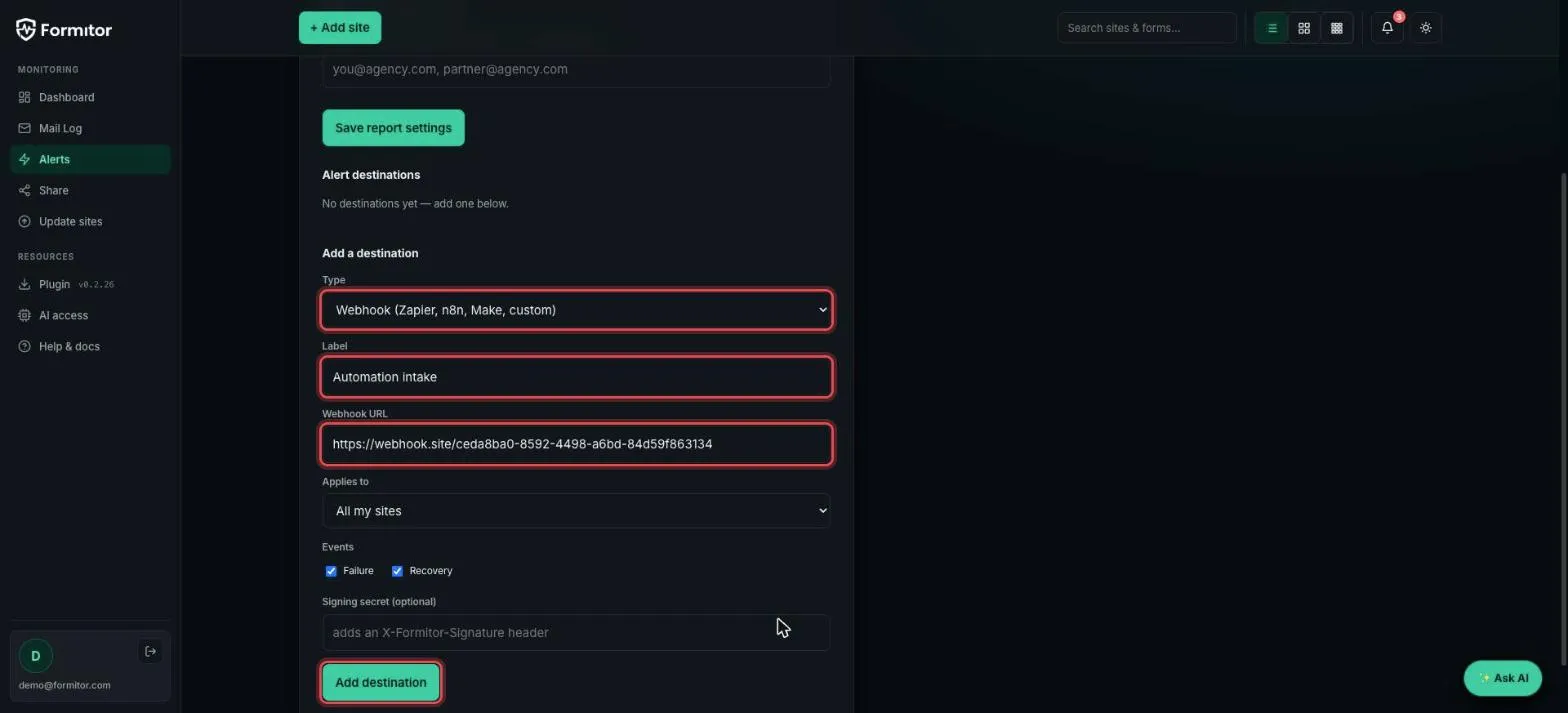
Click Add destination and it’s live:
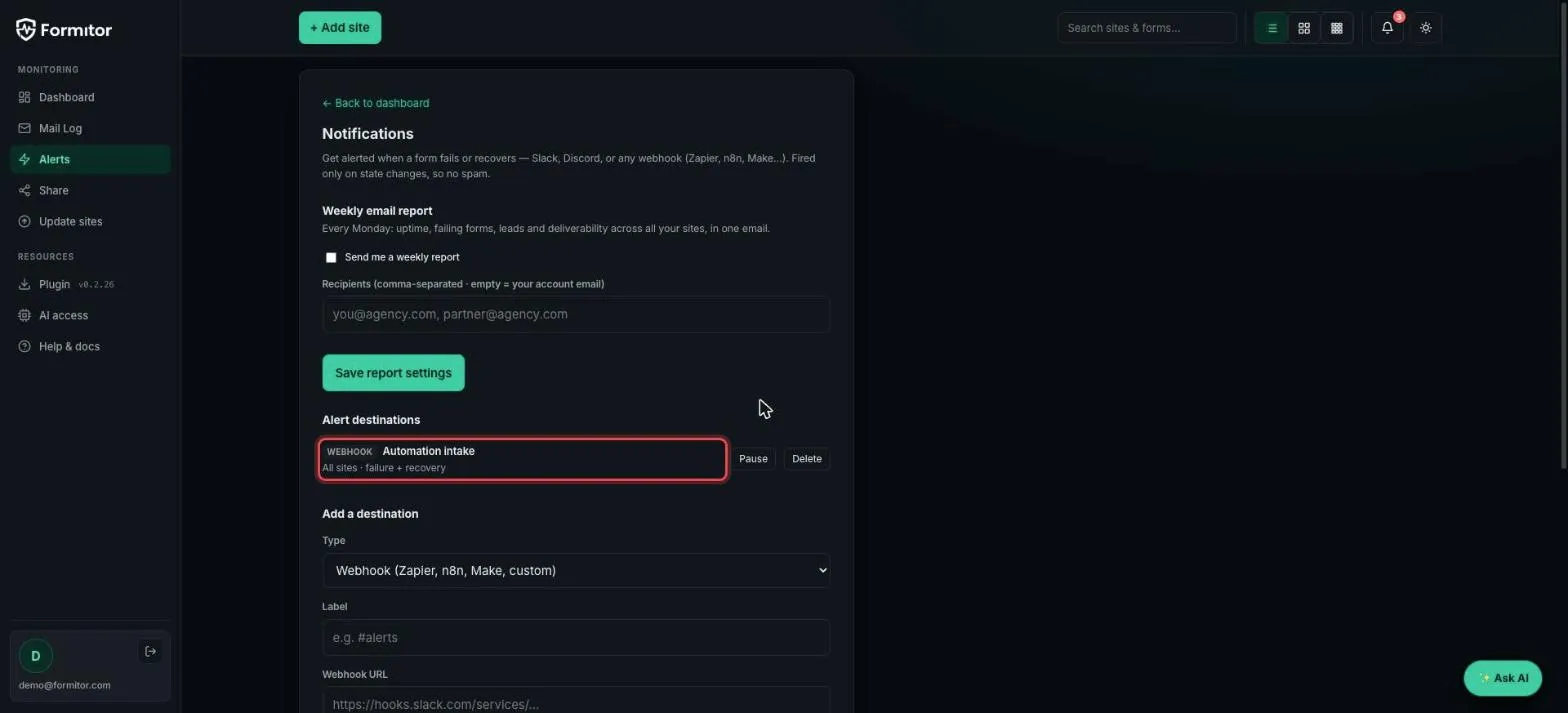
Slack, Discord and Teams work the same way with their own incoming-webhook URLs (create one in the app’s settings, paste it here). SMS needs your Twilio SID, token and numbers.
Pause vs delete
Each destination has Pause: keep the config, stop the messages. Useful during migrations when you expect failures and don’t want the noise.
The weekly report
Same page, top section: a Monday-morning email with uptime, failing forms, leads and deliverability across every site. Add multiple recipients comma-separated, your inbox and your project manager’s.
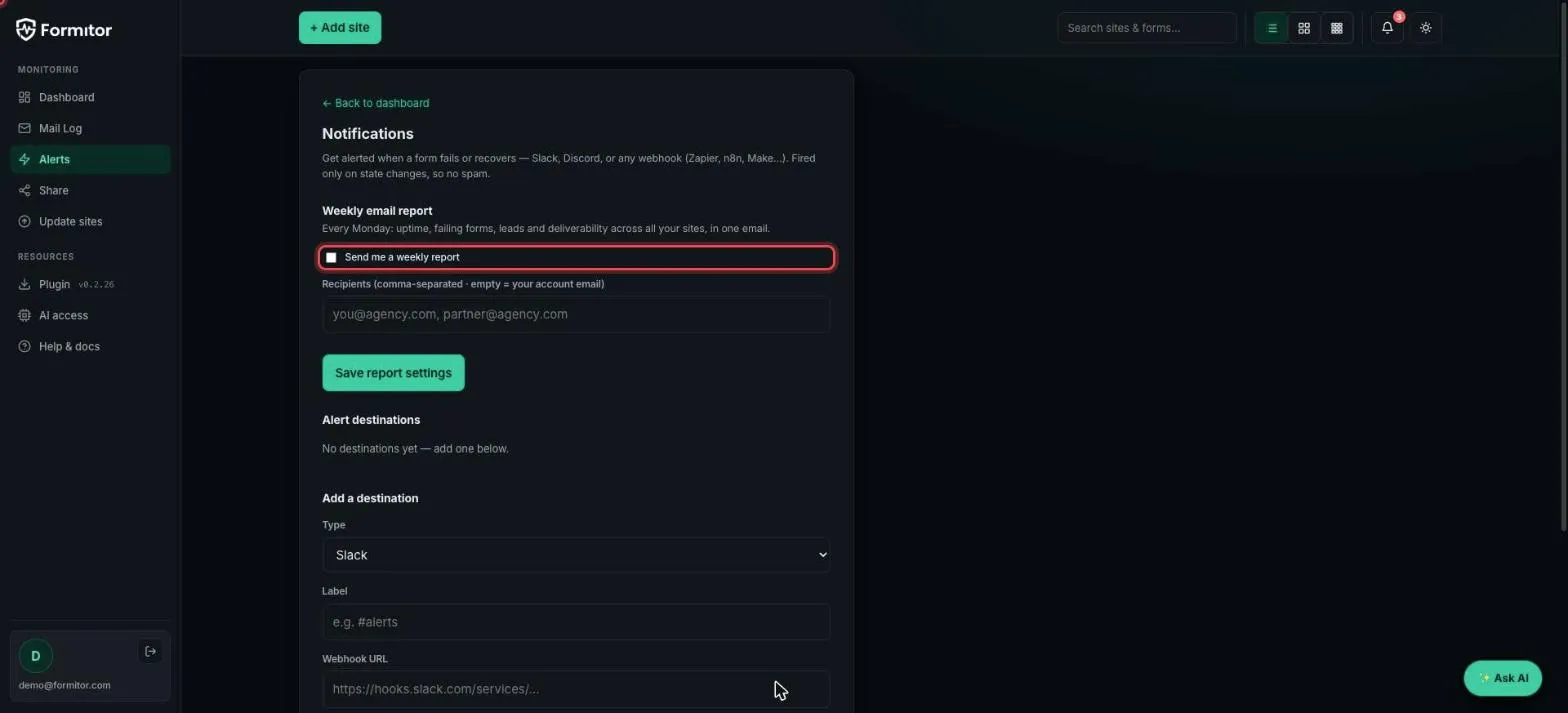
Alert destinations tell you the moment something breaks; the weekly report proves to the team (or the client) that everything else stayed green.