Formitor ships an MCP server: a read-only API your AI agent can query about your monitoring. Once connected, “anything broken across my sites?” becomes a question you ask Claude instead of a dashboard you open.
The whole setup in under forty seconds:
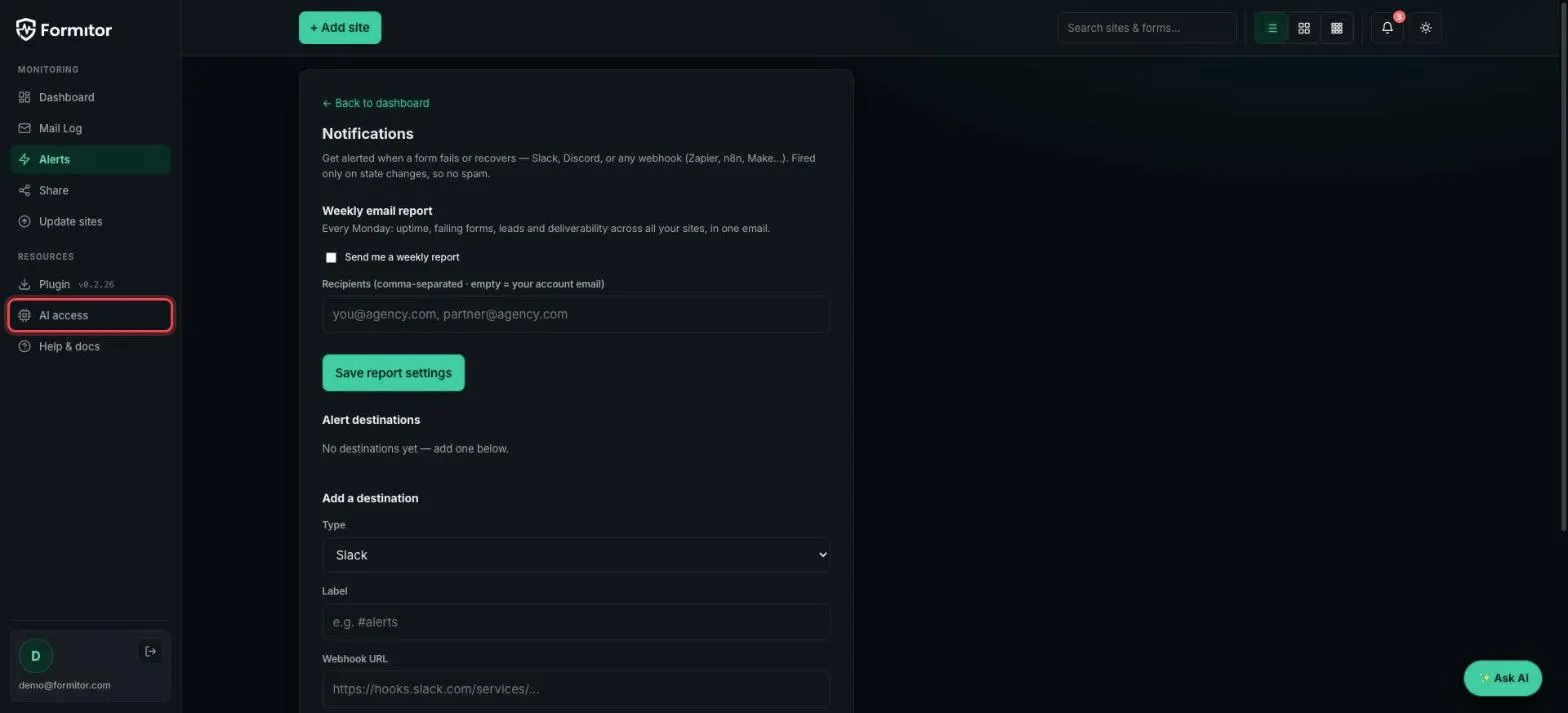
Step 1: Open AI access
In the dashboard sidebar, under Resources, click AI access.
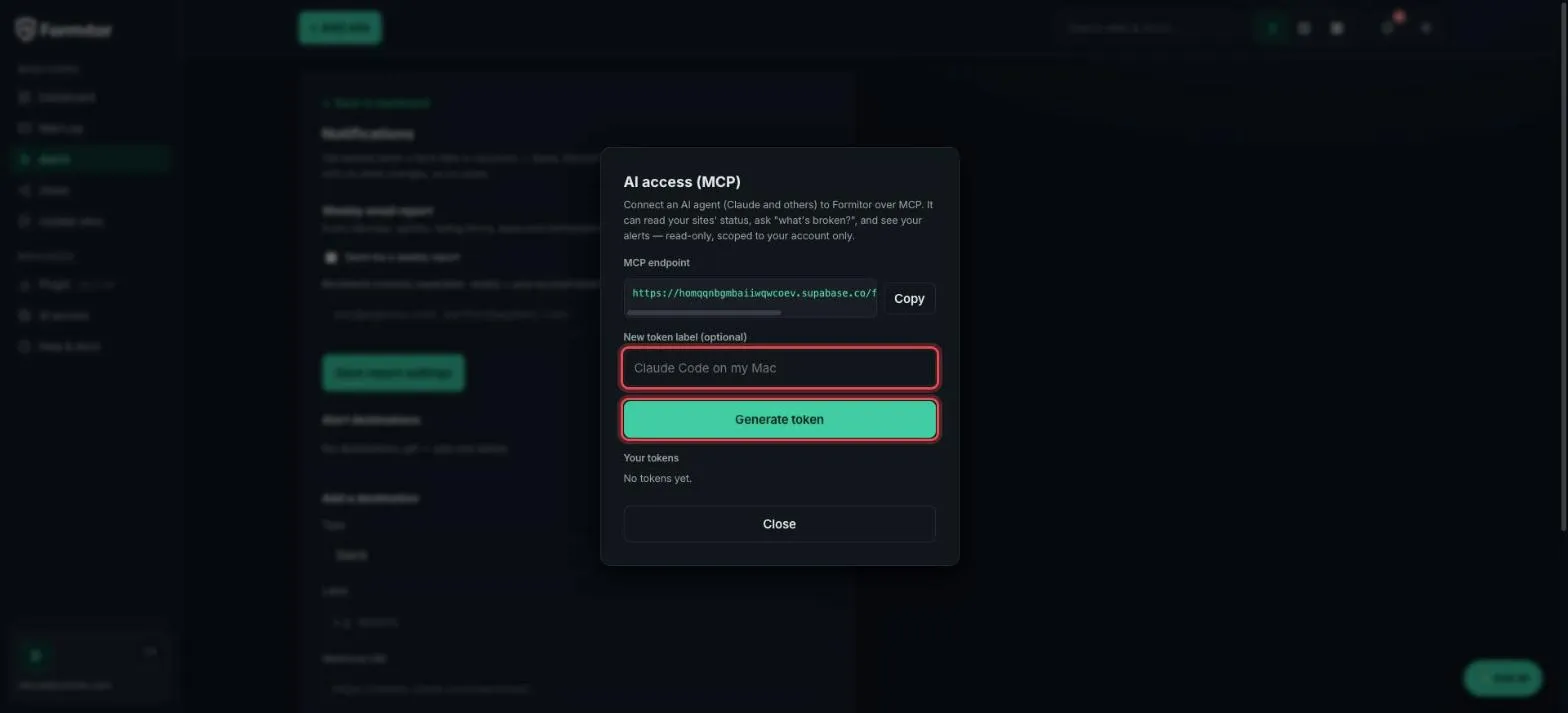
Step 2: Generate a token
The modal shows your MCP endpoint and a token generator. Give the token a label naming the agent that will use it (so you can revoke exactly that one later), and click Generate token.
Step 3: Copy the command
The token is shown once. Below it, a ready-made command connects Claude Code in one paste:
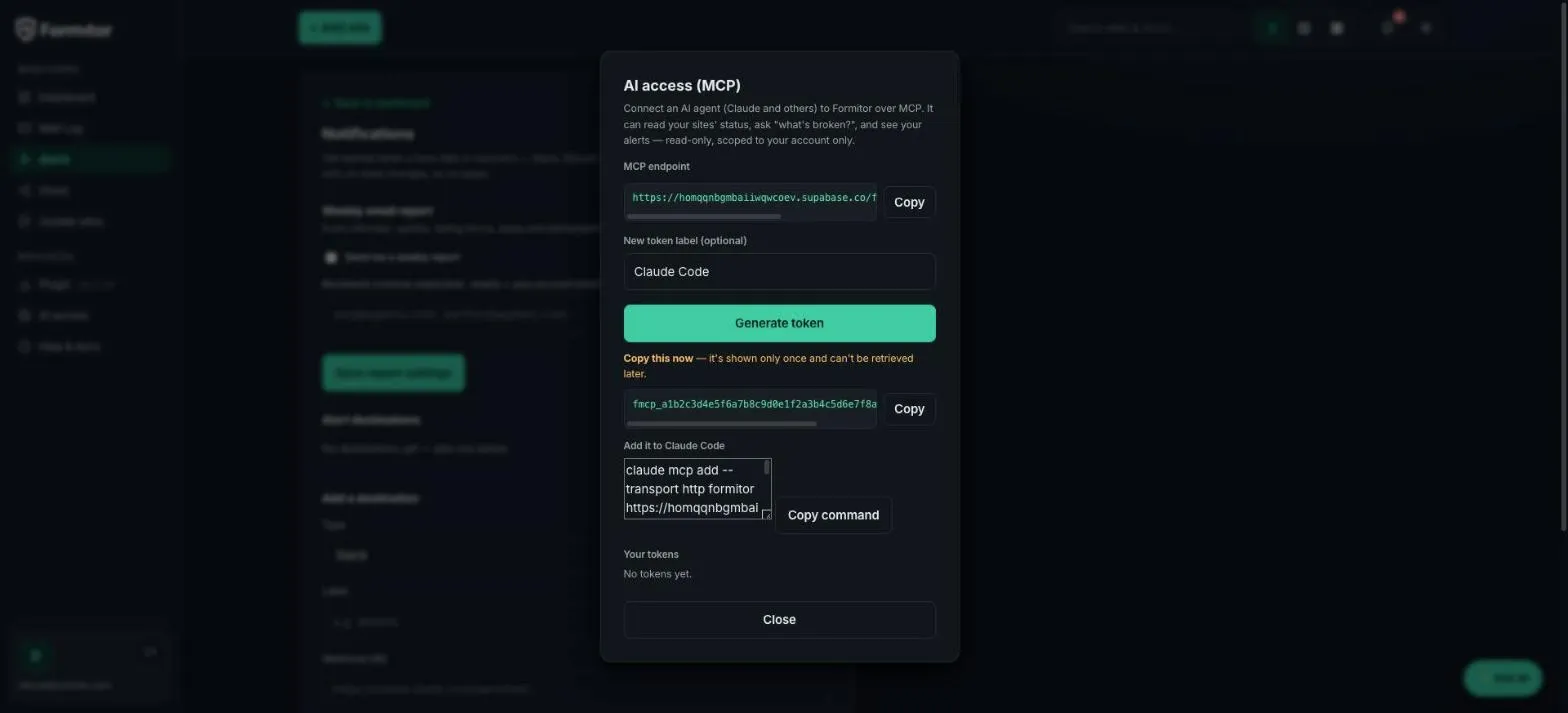
claude mcp add --transport http formitor <your-endpoint> \
  --header "Authorization: Bearer <your-token>"
Any other MCP-capable agent works the same way: HTTP transport, bearer token.
What the agent can do
Four read-only tools, scoped to your account:
- list_sites: every site with status
- whats_broken: failing forms with error details
- site_status: one site, in depth
- recent_notifications: the latest alerts
Read-only is deliberate: the agent can diagnose, never mutate. Revoke any token anytime from the same modal.
Why bother
Morning standup: “Claude, anything broken on client sites overnight?” beats opening five tabs. And an agent that reads your monitoring can cross-reference it while it fixes code: “the contact form on staging fails since yesterday’s deploy, and here’s the diff that did it.”