Once a site is connected, Formitor starts testing its forms on a schedule. This tutorial walks through everything the dashboard tells you and what to do with it.
Prefer to watch? The whole tour in ninety seconds:
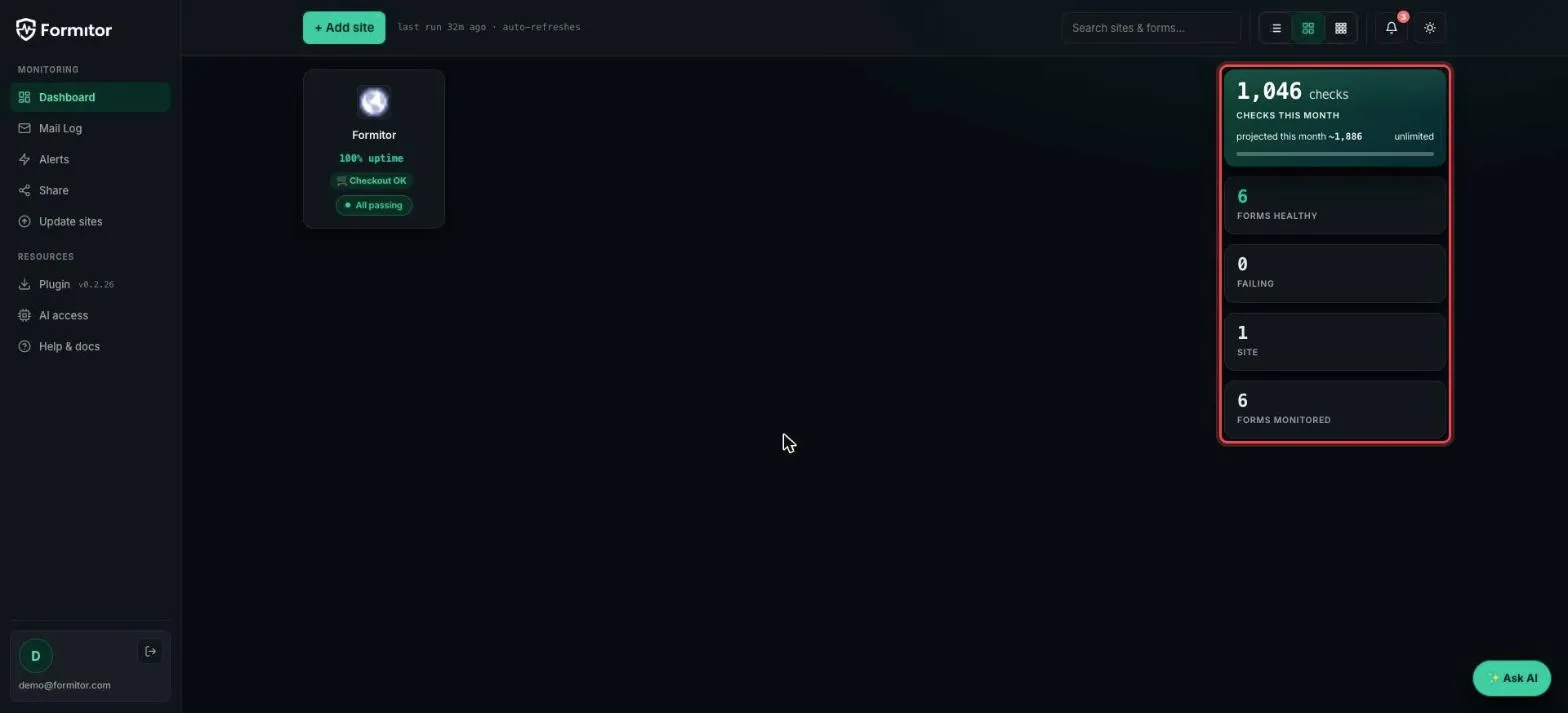
The stats rail
The right-hand rail is the portfolio summary: checks used this month, healthy forms, failing forms, sites and total forms monitored. If “Failing” is zero, every monitored form on every site delivered its last test.
The form list
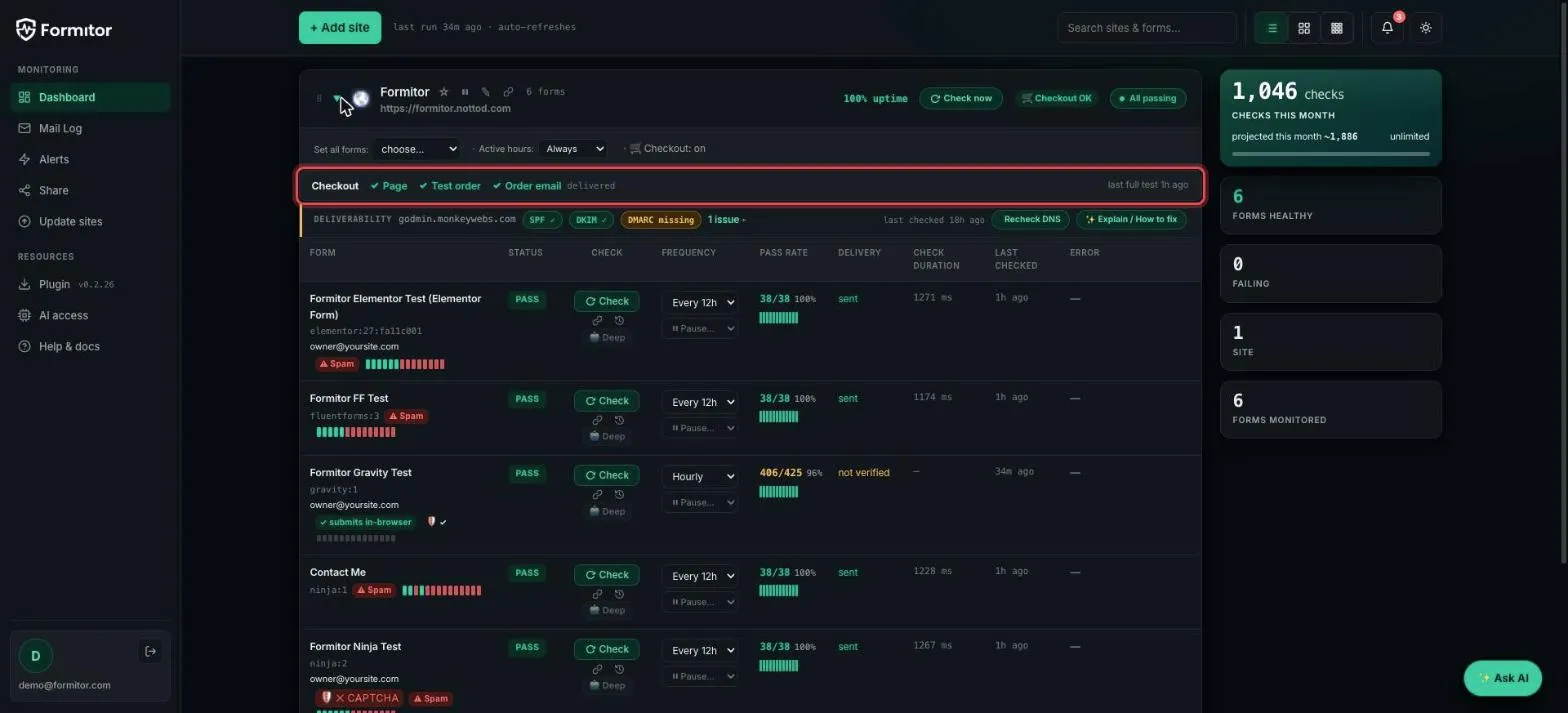
Switch to list view and expand a site to see every monitored form. Each row shows the form’s plugin and ID, its status pill, check frequency, pass rate with a history strip, delivery state, check duration and last-checked time.
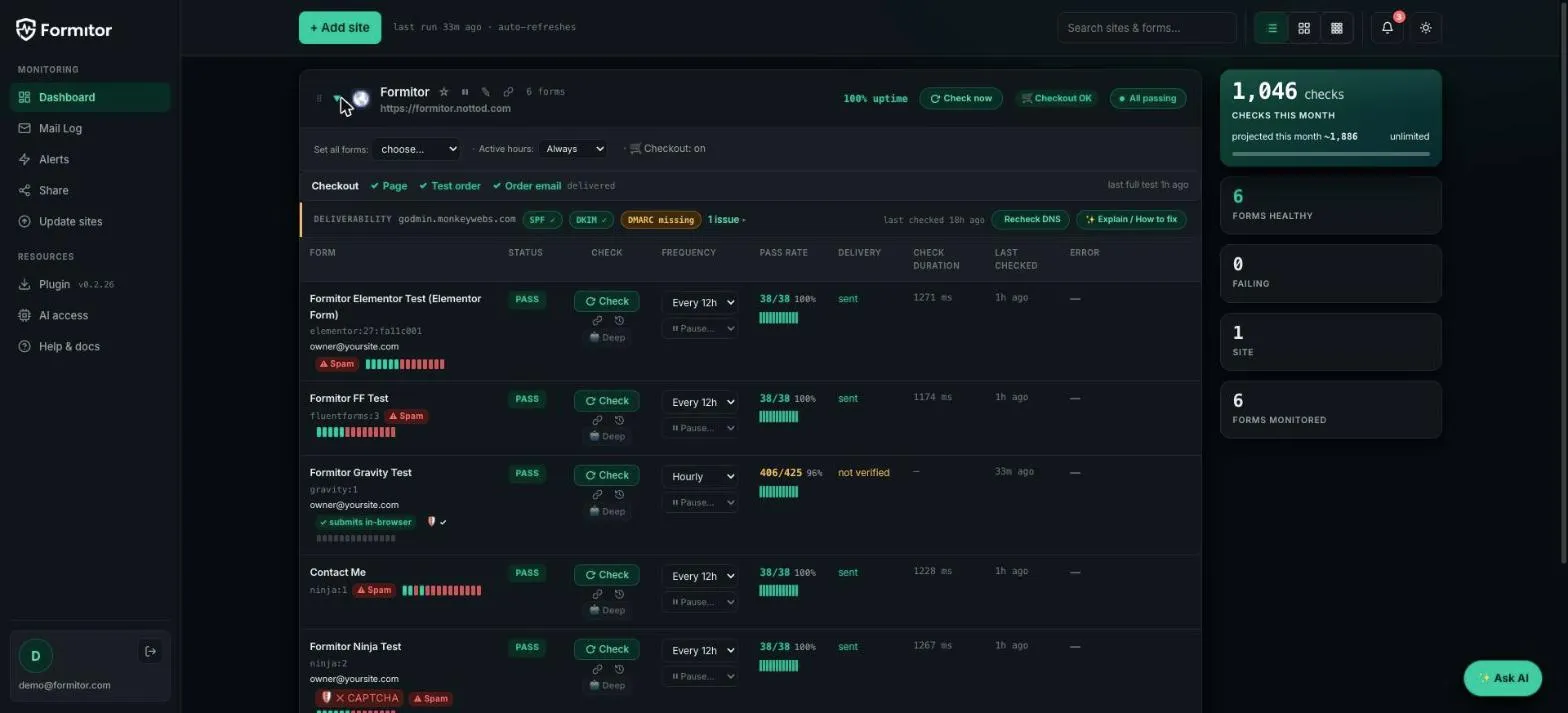
Green PASS means the last test submission was accepted by the form and the notification email was verified delivered. The little bar strip next to the pass rate is recent history; red segments are failed checks.
The amber “not verified” state
Some form plugins send their notification email asynchronously, in a later request. Formitor can confirm the submission was accepted but has no way to correlate that specific email, so instead of guessing it shows amber not verified.
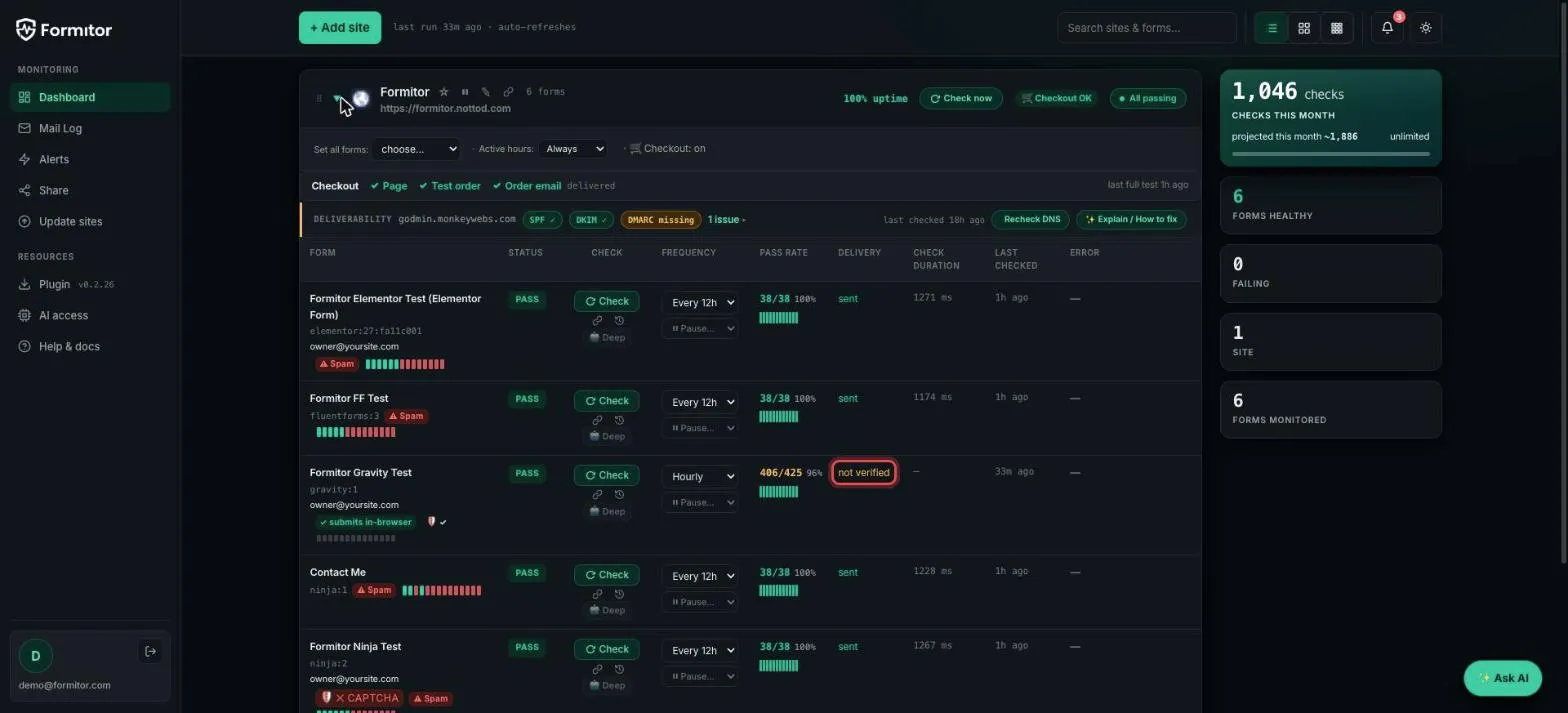
Amber is not a failure. It means “submission verified, email delivery can’t be individually confirmed for this plugin”. A real SMTP failure still turns the row red.
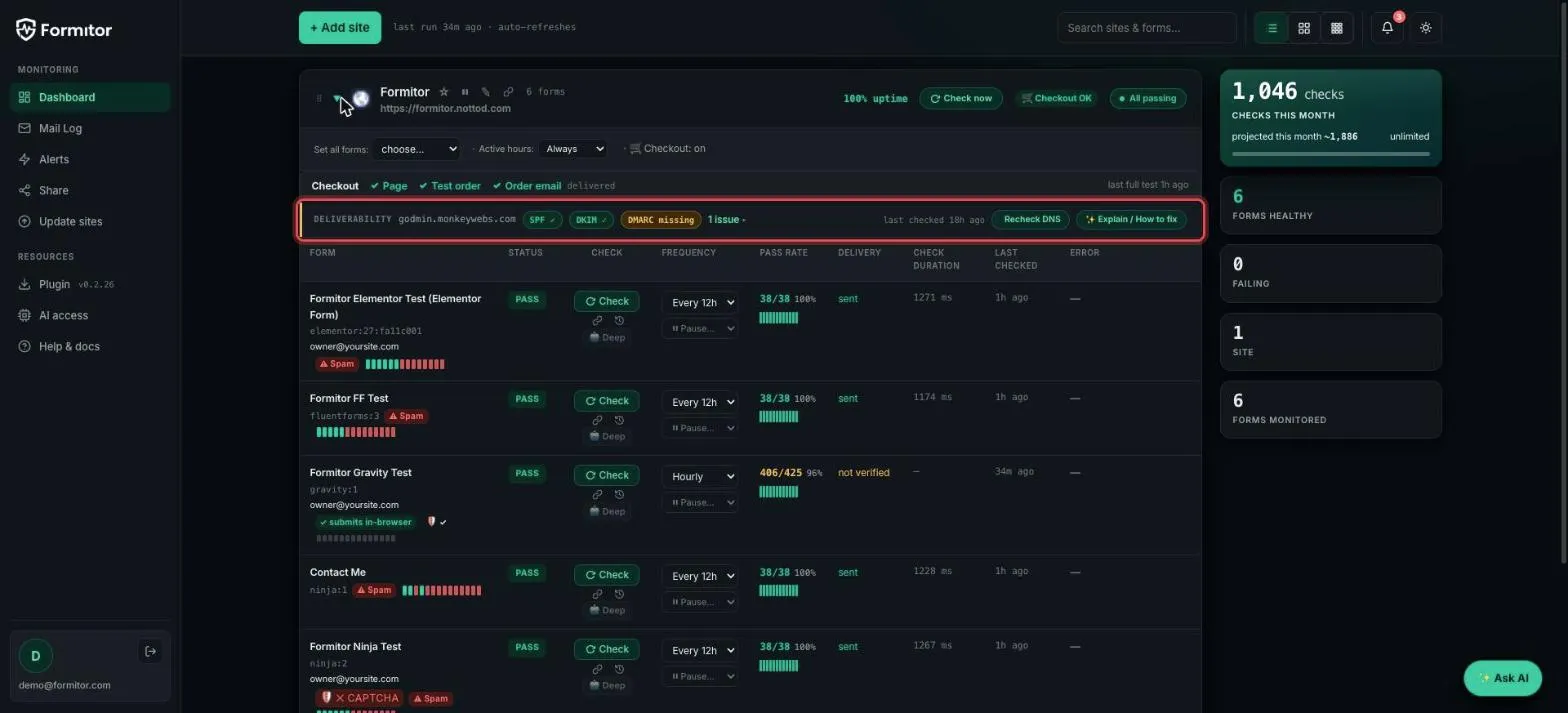
Deliverability
The strip above the form list watches the domain the notifications are sent from: SPF, DKIM and DMARC. A missing record gets a yellow badge and the Explain / How to fix button generates the exact DNS record to add.
Checkout monitoring
For WooCommerce sites, the Checkout row runs a full synthetic purchase: page loads, test order placed, order email delivered. Any broken link in that chain flags immediately.
Mail log
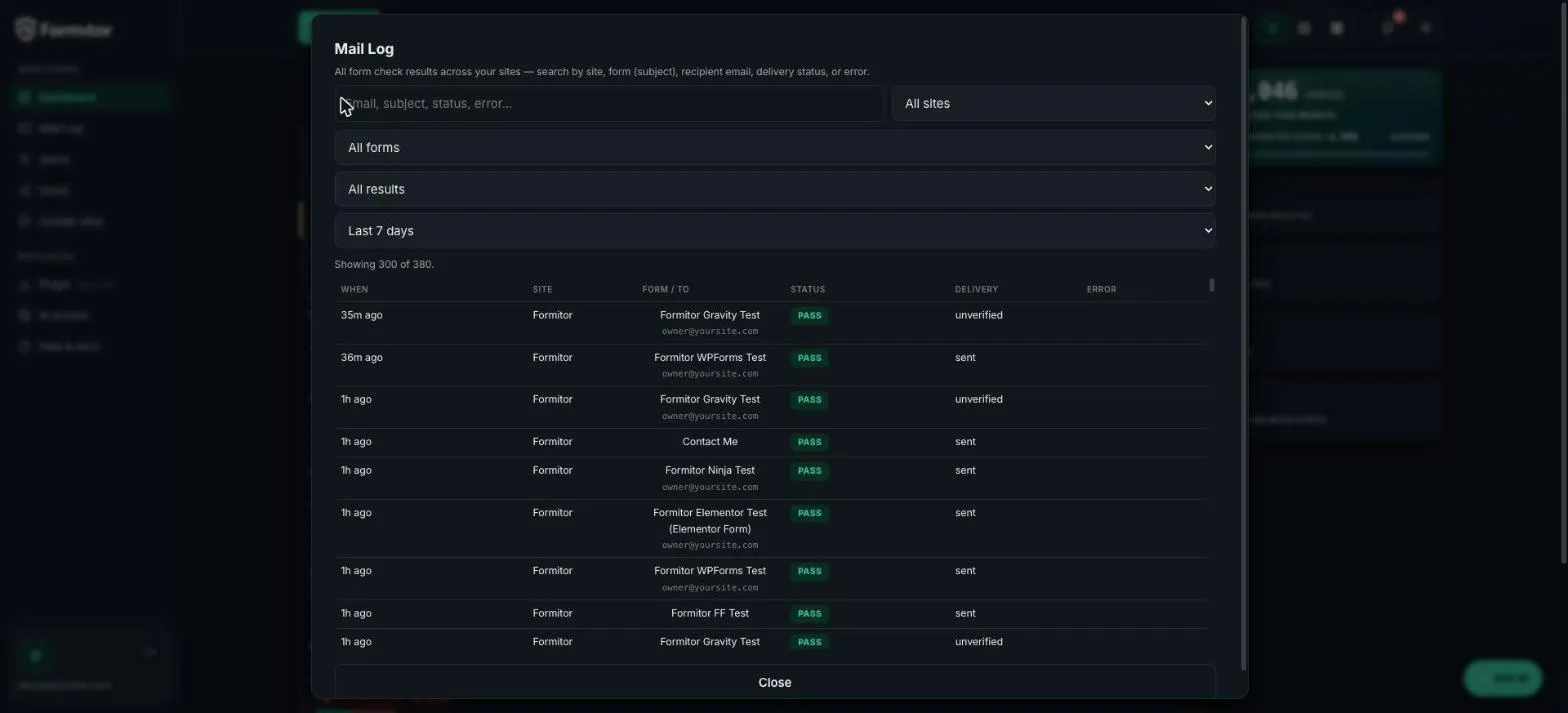
Mail Log in the sidebar is the receipts drawer: every check across every site, searchable by form, recipient, status or error, filterable by site and time range.
Alerts and the weekly report
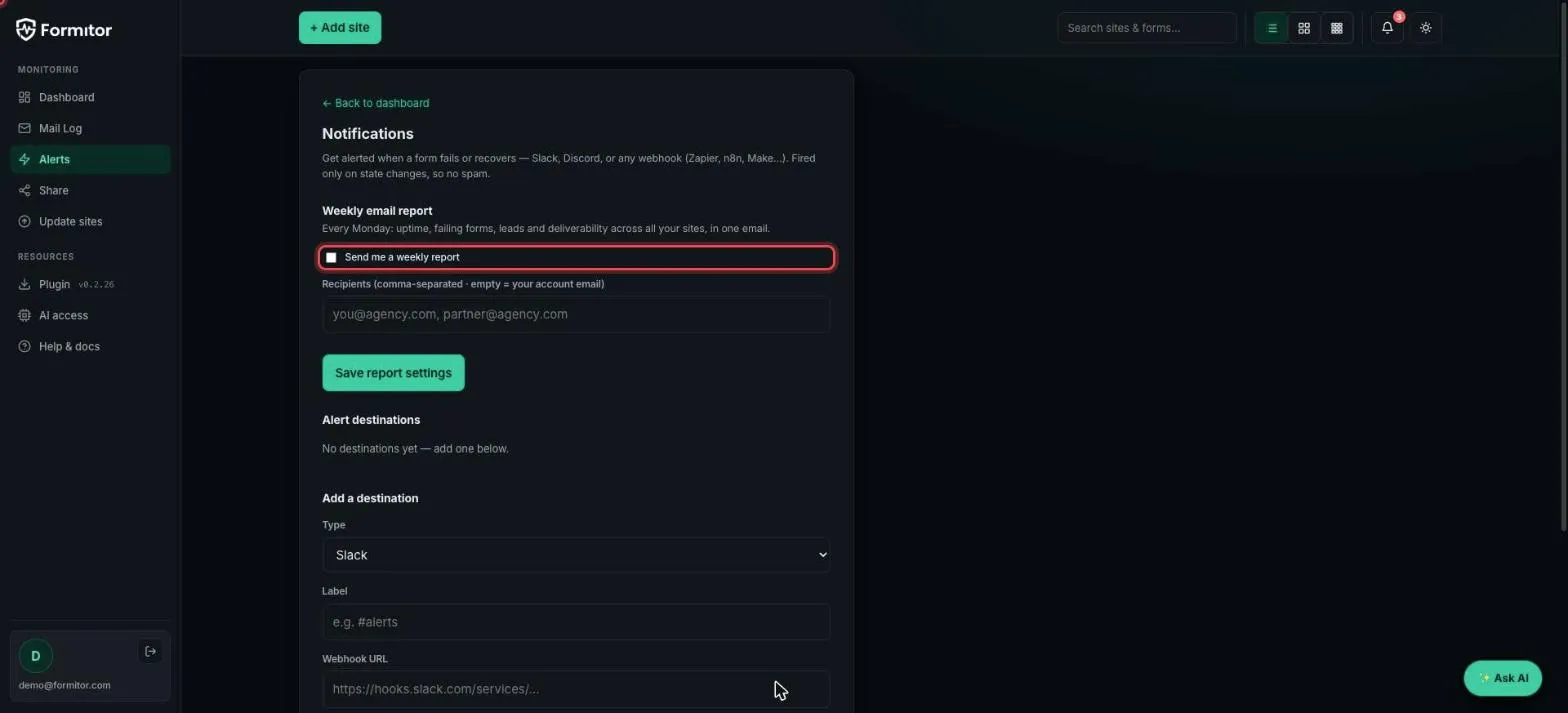
Under Alerts you can switch on a Monday-morning email report covering uptime, failing forms, leads and deliverability across all sites.
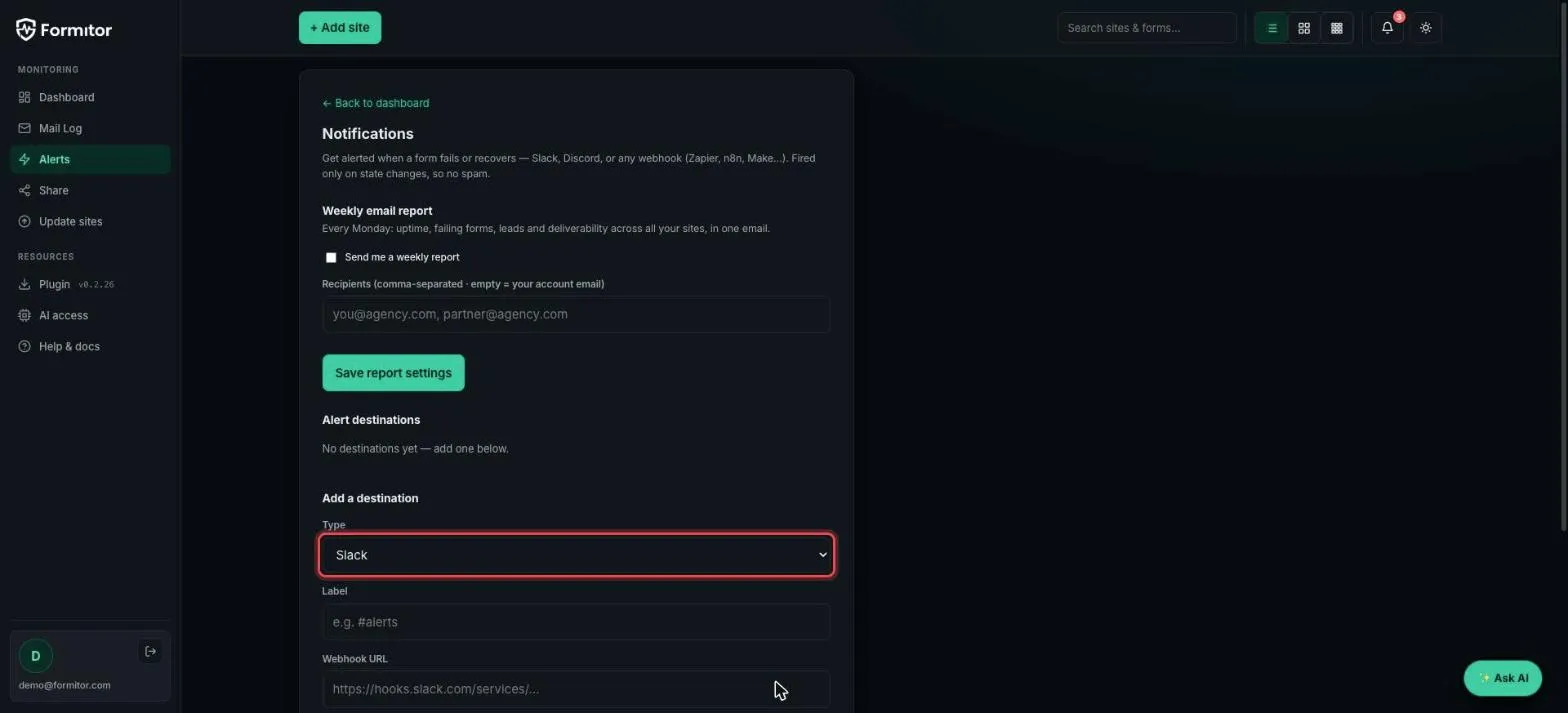
Below it, alert destinations push failure and recovery events to Slack, Discord, or any webhook (Zapier, n8n, Make). Alerts fire only on state changes, so a form that stays broken doesn’t spam you every hour.
The habit
You don’t need to check the dashboard daily; that’s what alerts and the weekly report are for. Open it when something pings, read the row, and the error column plus mail log will usually name the culprit before you’ve opened wp-admin.